
Show up in every town you serve.
A ranking checked from your shop says little about the street three towns over. Speak Local checks the map across your whole service area and asks the assistants who they’d call, so you can see where the work is going to someone else.
Free, in under a minute, no email or card. It grades up to 25 pages across Local, SEO, AEO and GEO.
How does a home service business show up in Google Maps and AI answers?
By earning every town in its service area. Set the service area up properly on your Google Business Profile, give each core service its own page, keep hours and phone numbers identical everywhere, and ask every customer for a review, the same way each time. Mark the business up with its specific type, such as Plumber or HVACBusiness. Then measure from across the area, not from your own address, because the edges are where you’re likeliest to slip.
Updated 9 October 2026
What do homeowners ask before they call?
Homeowners ask who can come soon, what it will cost and whether a job is worth doing. These six are worth tracking:
- Emergency plumber open now near me
- Who installs heat pumps in your area?
- How much does a roof replacement cost in your city?
- Best HVAC company in your city with good reviews
- Is it worth repairing a 15-year-old furnace?
- Do I need a permit to replace a water heater in your city?
These are examples to adapt. Put the ones that bring you business to ChatGPT, Perplexity and Gemini on a weekly or monthly round, and each answer is recorded as named, cited or absent, with whoever was named in your place. How AI answers are tracked
What do Google and AI assistants weigh for a home service business?
They weigh distance, relevance and trust, as they always have. An assistant reads all three and hands back a short list instead of a page of results.
Your service area
If customers don’t come to you, Google’s guidelines say to hide your address and list the areas you serve instead, up to twenty of them. Google still knows where you’re based, so the towns at the edge of your area are where you’re likeliest to lose. That’s where to measure.
Hours and numbers that agree
“Open now” and emergency searches lean on hours. A tracking number hard-coded on some pages and your main number on others makes your own site disagree with itself, which is exactly what machines check.
A page for each service
Drain cleaning and water heater replacement are different searches from different customers. One page listing both as bullets gives neither a page to rank. Each service you want calls for deserves its own page: what it involves, what affects the price and where you do it.
Reviews that name the job and the town
“Replaced our sump pump in Riverside the same day” tells an assistant what you do, where and how fast. Ask every customer after every job, the same way. Google’s policy says not to suggest wording, not to ask only happy customers and not to offer anything in return.
Which schema should a home service business use?
The most specific type that fits. schema.org lists Plumber, Electrician, HVACBusiness, RoofingContractor, GeneralContractor, HousePainter, Locksmith and MovingCompany under HomeAndConstructionBusiness. Pick yours, and fall back to HomeAndConstructionBusiness or LocalBusiness when none fits.
Speak Local’s scanner reads every one of these as entity schema on your homepage.
Worth checking: that the towns in areaServed match the service areas on your Business Profile, and that both carry the same main phone number. Two different lists of towns is two different answers to the question an assistant is asked.
areaServedlisting the towns you coveropeningHoursSpecification, including round-the-clock service if you offer ithasOfferCatalogfor the services you want calls fortelephone: the same main number your profile shows
Check it with Google’s Rich Results Test or the Schema Markup Validator before it goes live.
{
  "@context": "https://schema.org",
  "@type": "HVACBusiness",
  "@id": "https://www.example.com/#business",
  "name": "Example Heating & Air",
  "url": "https://www.example.com/",
  "telephone": "+1-555-0100",
  "areaServed": [
    {"@type": "City", "name": "Your City"},
    {"@type": "City", "name": "Next Town"},
    {"@type": "City", "name": "Third Town"}
  ],
  "openingHoursSpecification": [
    {
      "@type": "OpeningHoursSpecification",
      "dayOfWeek": [
        "Monday", "Tuesday", "Wednesday", "Thursday", "Friday",
        "Saturday", "Sunday"
      ],
      "opens": "00:00",
      "closes": "23:59"
    }
  ],
  "hasOfferCatalog": {
    "@type": "OfferCatalog",
    "name": "Services",
    "itemListElement": [
      {
        "@type": "Offer",
        "itemOffered": {
          "@type": "Service",
          "name": "Heat pump installation"
        }
      },
      {
        "@type": "Offer",
        "itemOffered": {
          "@type": "Service",
          "name": "Furnace repair"
        }
      }
    ]
  }
}
Where should a home service business start?
Do these in order. The first two cost nothing but an afternoon.
-
Check your profile’s categories and service areas
Your primary category should be the work that pays most, and your service areas the towns you drive to.
-
Make hours and phone numbers agree everywhere
Profile, website, schema and the directories you’re listed in, holiday hours included. Keep one main number in your site’s text.
-
Build a page for each service you want calls for
Start with the two or three that make the most money, written to answer the questions customers ask about them.
-
Ask every finished job for a review
The same way every time, with no wording suggested, and reply to each one. A steady stream beats a burst followed by silence.
-
Measure from the edges
Run a map grid at five or ten miles to see which towns you’re missing from, then track the questions customers there ask the assistants.
How does Speak Local help a home service business?
Every plan includes all of it. See the full platform for how the pillars combine into one score.
What it looks like for a home service business
Six screens from the workspace of an example heating and air company, as they look in the app. Choose one to see it.
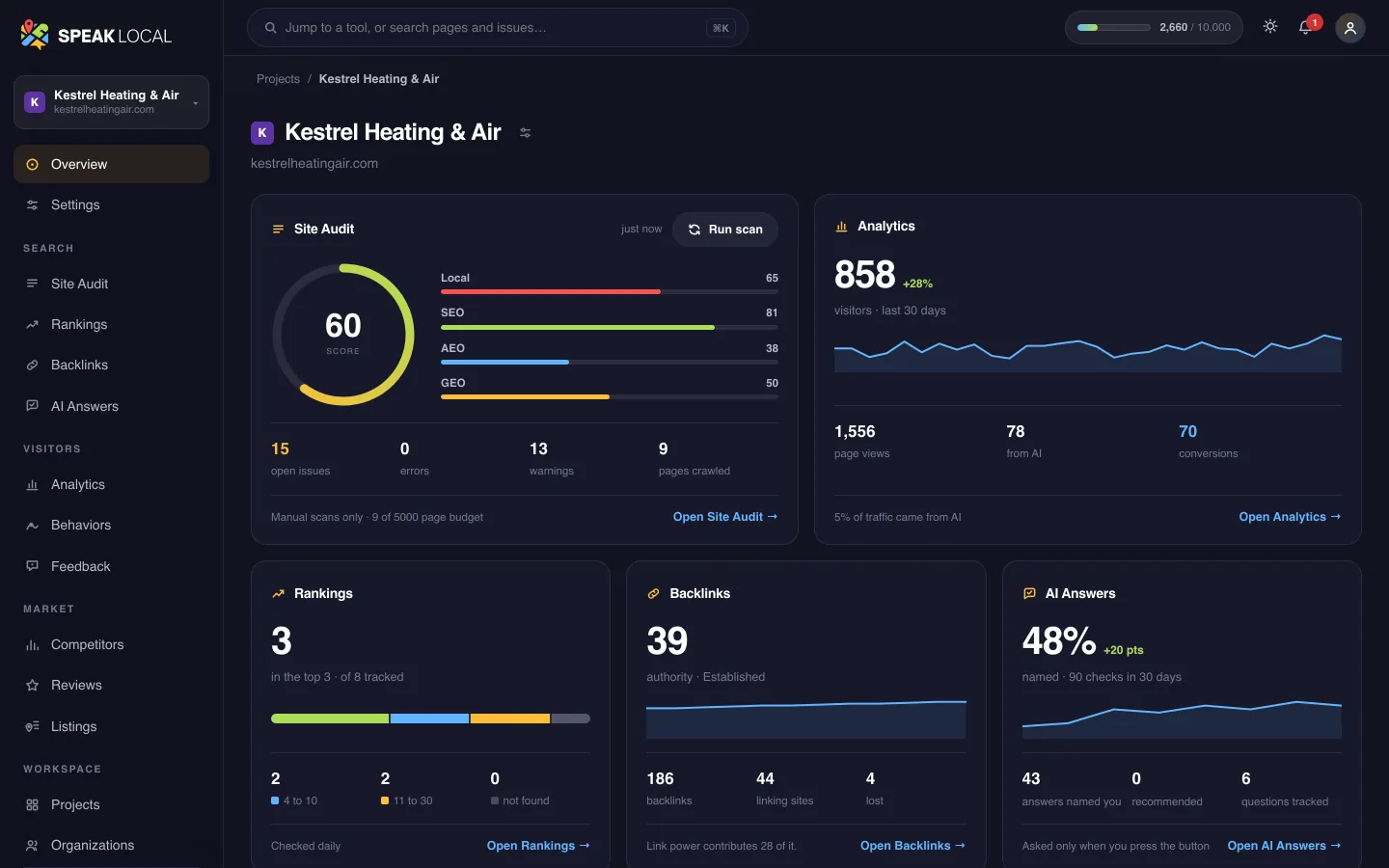
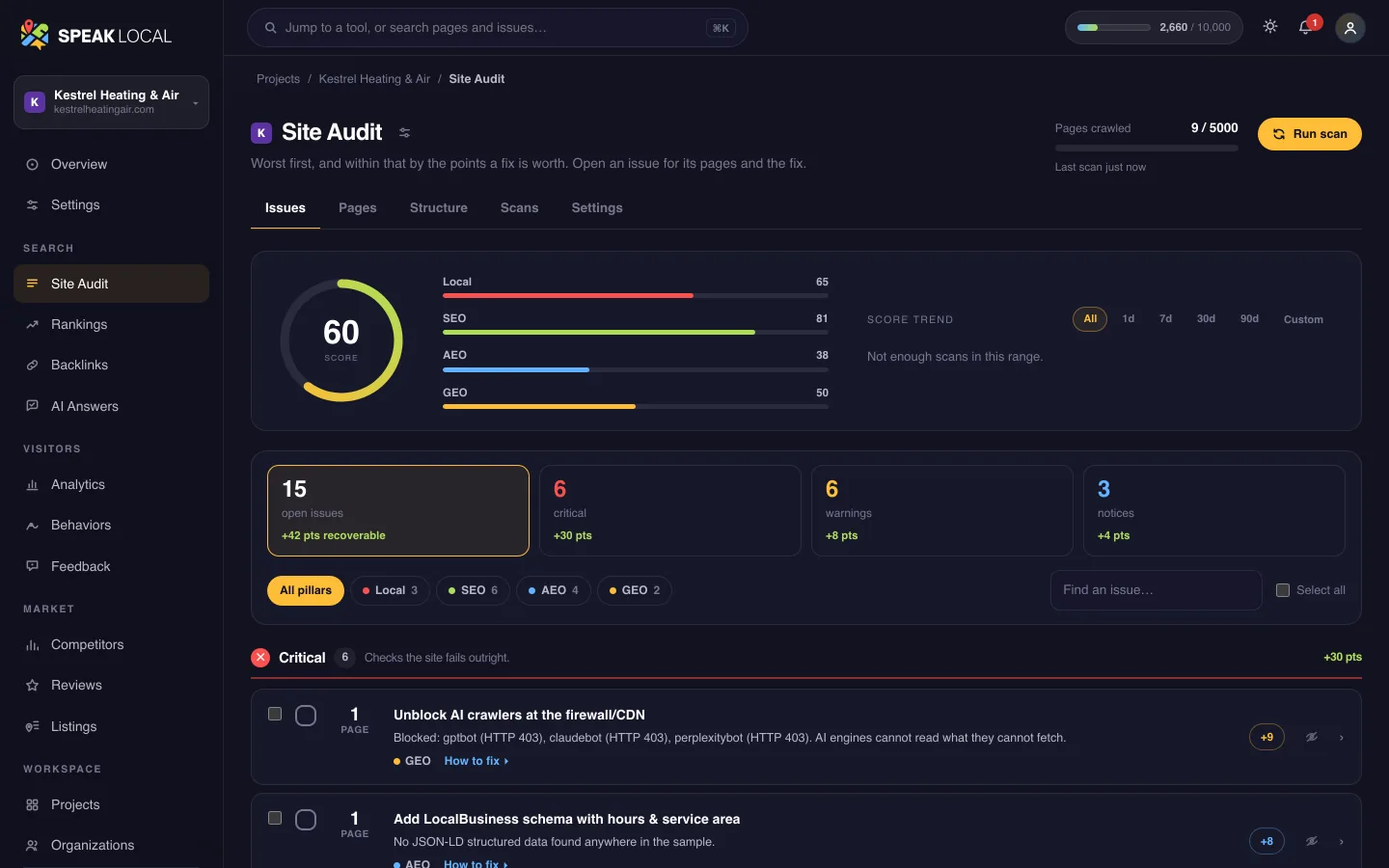
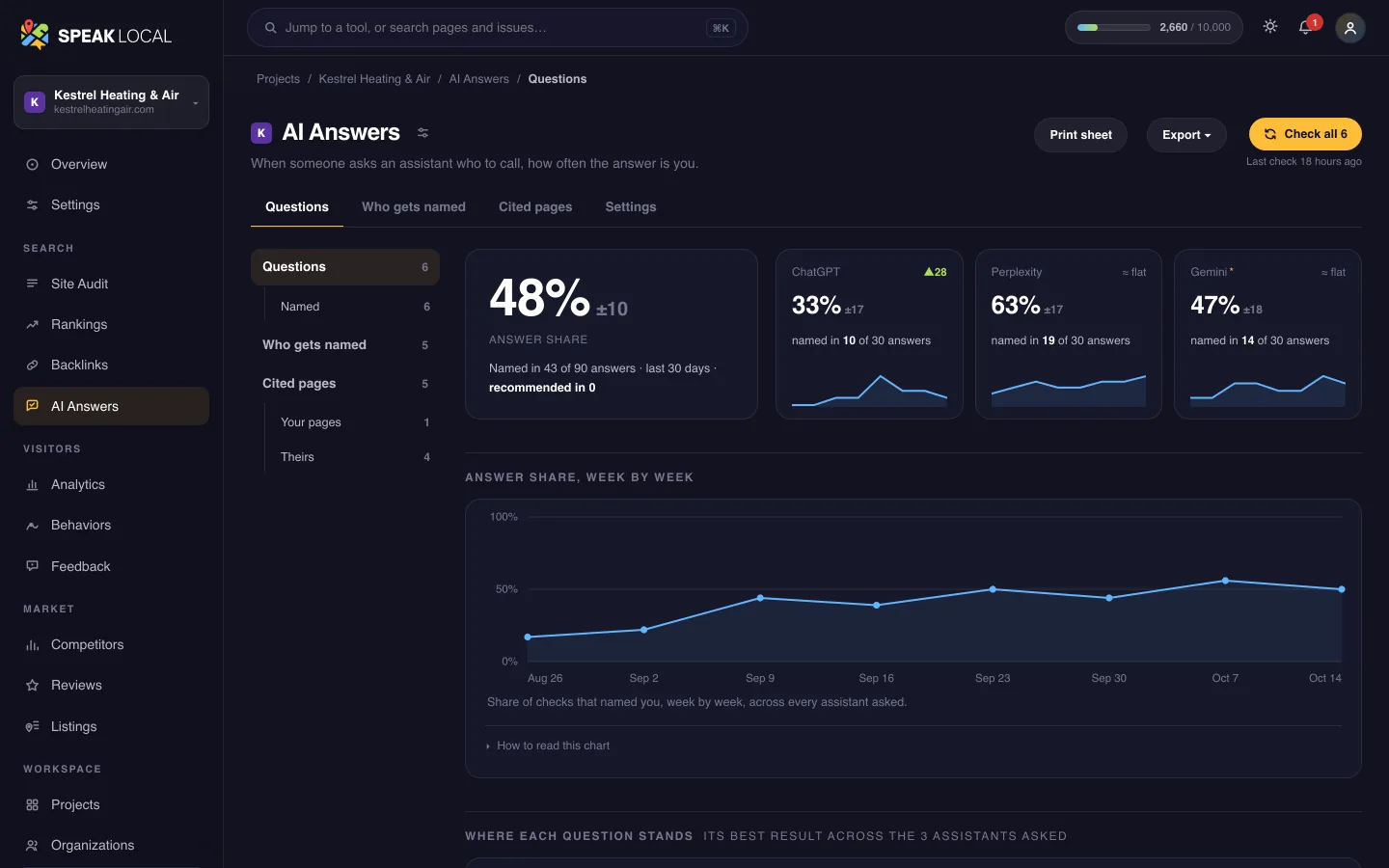
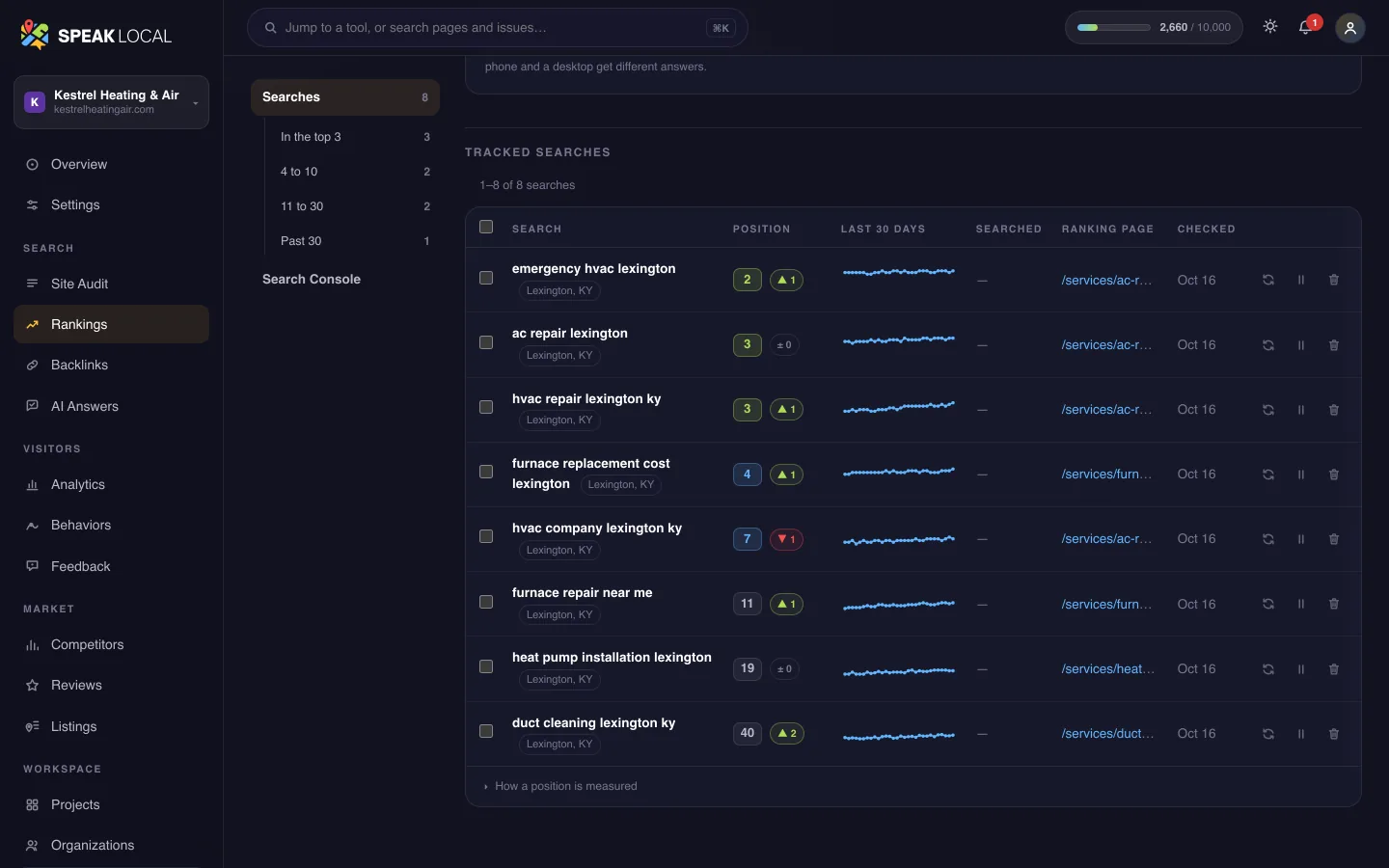
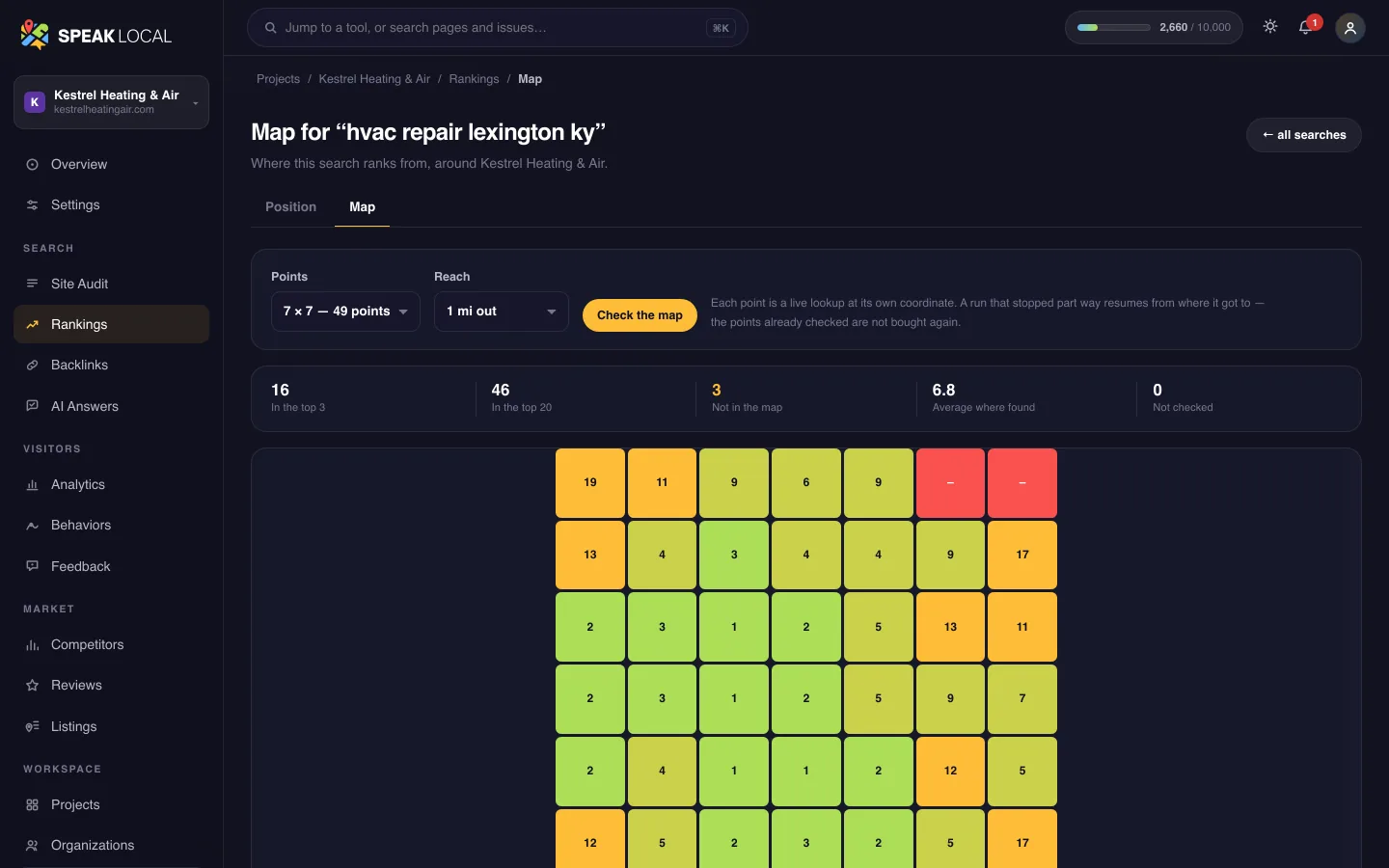
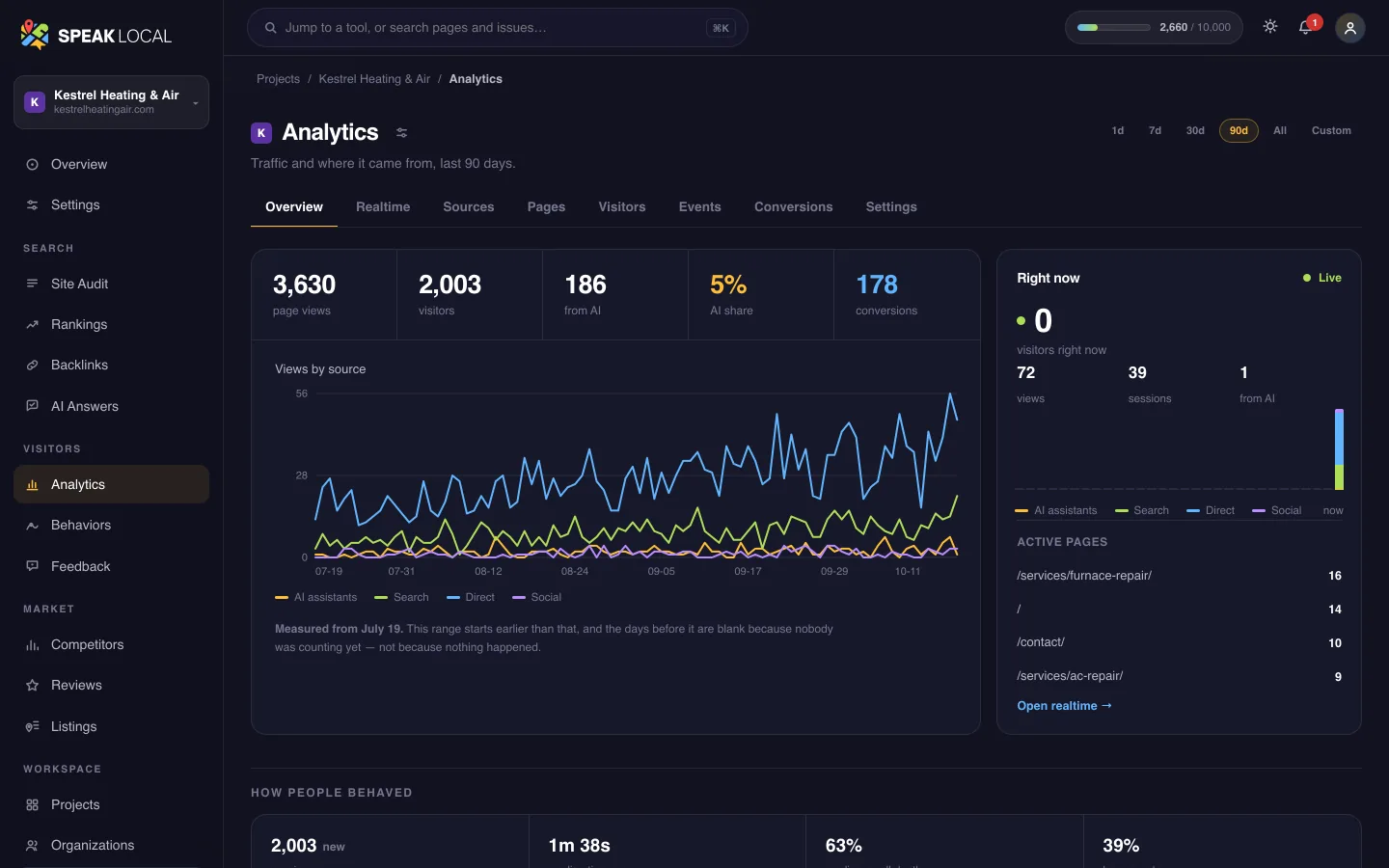
An example workspace for a fictional heating and air company. The site audit and the competitors’ scores are real scans of test sites; the rankings, answers and traffic are sample data. Swipe the screen to see all of it.
Common questions
Should a service-area business show its address on Google?
Do call-tracking numbers hurt local SEO?
Should I build a page for every town I serve?
How do we get named for emergency searches?
Can you do the work for us?
See where a home service business like yours stands.
Audit, score, fix and monitor how you show up in Google and in AI answers.
Free, in under a minute. No account. Or start a plan from $49/mo